
Capability
Check every GSTIN — company, branch, customer and supplier — by format, state code and check digit.
GST by place of supply, IRN e-invoicing and e-way bills through your own IRP account, and GSTR returns prepared from your books.
Check every GSTIN — company, branch, customer and supplier — by format, state code and check digit.
Divide each line's tax into IGST or CGST plus SGST or UTGST, with cess, and print the HSN summary.
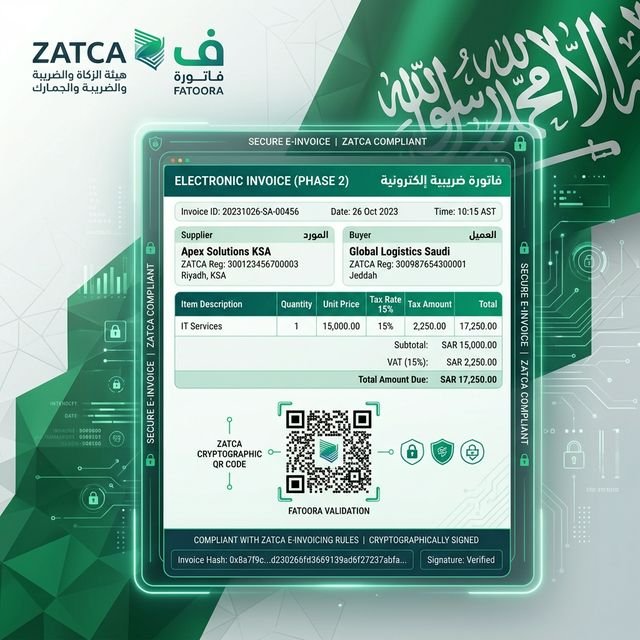
Register B2B, SEZ, export and deemed-export invoices and credit notes with the IRP and print the IRN and signed QR code.
Make e-way bills from the IRN, update the vehicle, extend and cancel them.
Prepare GSTR-1 (JSON and Excel) and GSTR-3B, and match an uploaded GSTR-2B against your purchase invoices.
Print a dynamic UPI QR on B2C invoices for companies above ₹500 crore turnover.
Post a sales invoice: the GST split, the IRN request and the signed QR follow without a separate step.
Hand over the goods with an e-way bill made from the IRN, and change the vehicle on the way.
At month end, download GSTR-1, review GSTR-3B, upload GSTR-2B and decide accept, reject or pending for each supplier invoice.
The tax on the invoice is the tax in the return: one set of figures from posting to filing.
Problems the IRP would refuse — numbering, PIN codes, HSN digits, unit codes — show before the invoice is sent.
No document is registered twice: a timeout or duplicate is recovered by document number.
Aurex calls the IRP through the company's own IRP or GSP account: you register for API access with the provider of your choice and enter the credentials in the India e-invoicing console. Sandbox and production are separate settings.
Aurex prepares GSTR-1 as the JSON the GST offline tool imports and as Excel, shows the GSTR-3B summary, and matches GSTR-2B. You file the returns on the GST portal.
See it with your own processes, compare plans, or talk to the team.