Connected workflows
Move from quotation to order, procurement to stock, and activity to financial impact without rebuilding context.

Aurex brings finance, inventory, sales, procurement, HR, projects, approvals, and industry operations into one configurable platform.
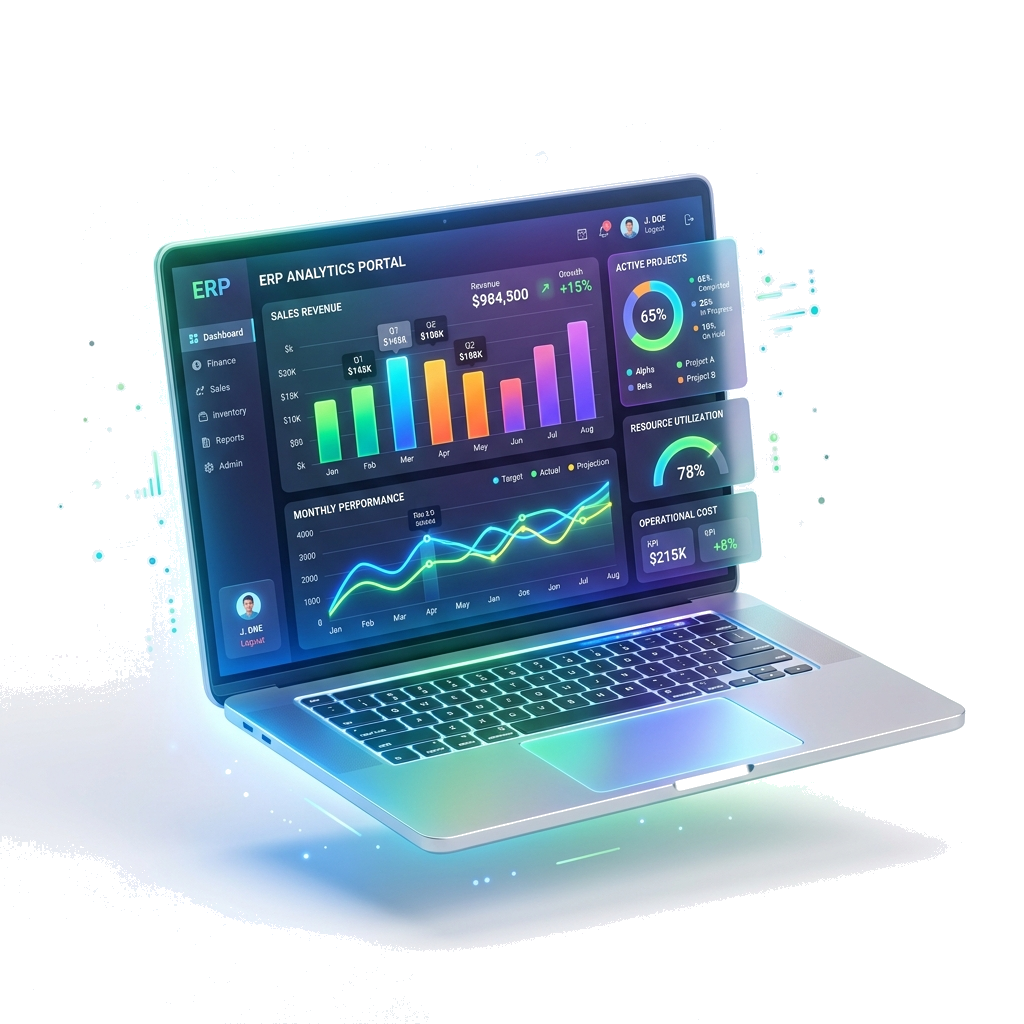
A connected ERP should help people complete work, preserve controls, and give decision-makers a reliable view across the organization.
Move from quotation to order, procurement to stock, and activity to financial impact without rebuilding context.
Review transactions, stock, sales, projects, and workforce activity through role-aware dashboards and reports.
Use permissions, approvals, audit records, company boundaries, and branch controls to support accountable work.
Combine core ERP functions with industry and operational modules. Scope the right combination around your processes.
General ledger, transactions, reporting, tax workflows, budgeting, and financial controls.
Products, warehouses, stock movements, purchasing, suppliers, and replenishment workflows.
Leads, customers, quotations, orders, invoicing, returns, and commercial reporting.
Employee records, attendance, leave, payroll processes, recruitment, and self-service workflows.
Tasks, projects, requests, approval routing, permissions, and audit-oriented controls.
Manufacturing, retail POS, hospitality, restaurants, logistics, healthcare, real estate, and maintenance.
Strong implementations align processes, data, controls, integrations, and users before launch. A modular rollout can reflect business priorities.
Plan an ERP discovery sessionMap current workflows, responsibilities, risks, integrations, and reporting needs.
Select modules and shape roles, approvals, master data, documents, and operating rules.
Test real scenarios, reconcile migrated data, and confirm controls before launch.
Train users, monitor adoption, and extend the platform as operating needs evolve.
Feature lists matter, but fit is determined by how a platform behaves across real transactions, controls, users, and exceptions.
Cloud ERP software connects core business processes such as finance, purchasing, inventory, sales, human resources, and reporting through a shared web-based system.
Aurex uses a modular architecture. The right rollout sequence depends on your current systems, controls, data, and priority workflows.
Aurex includes core ERP capabilities plus operational modules for manufacturing, retail POS, hospitality, restaurants, logistics, healthcare, real estate, and maintenance.
Evaluate process coverage, controls, data ownership, integrations, localization, implementation effort, user experience, reporting, security, and long-term operating cost.